Using the calendar
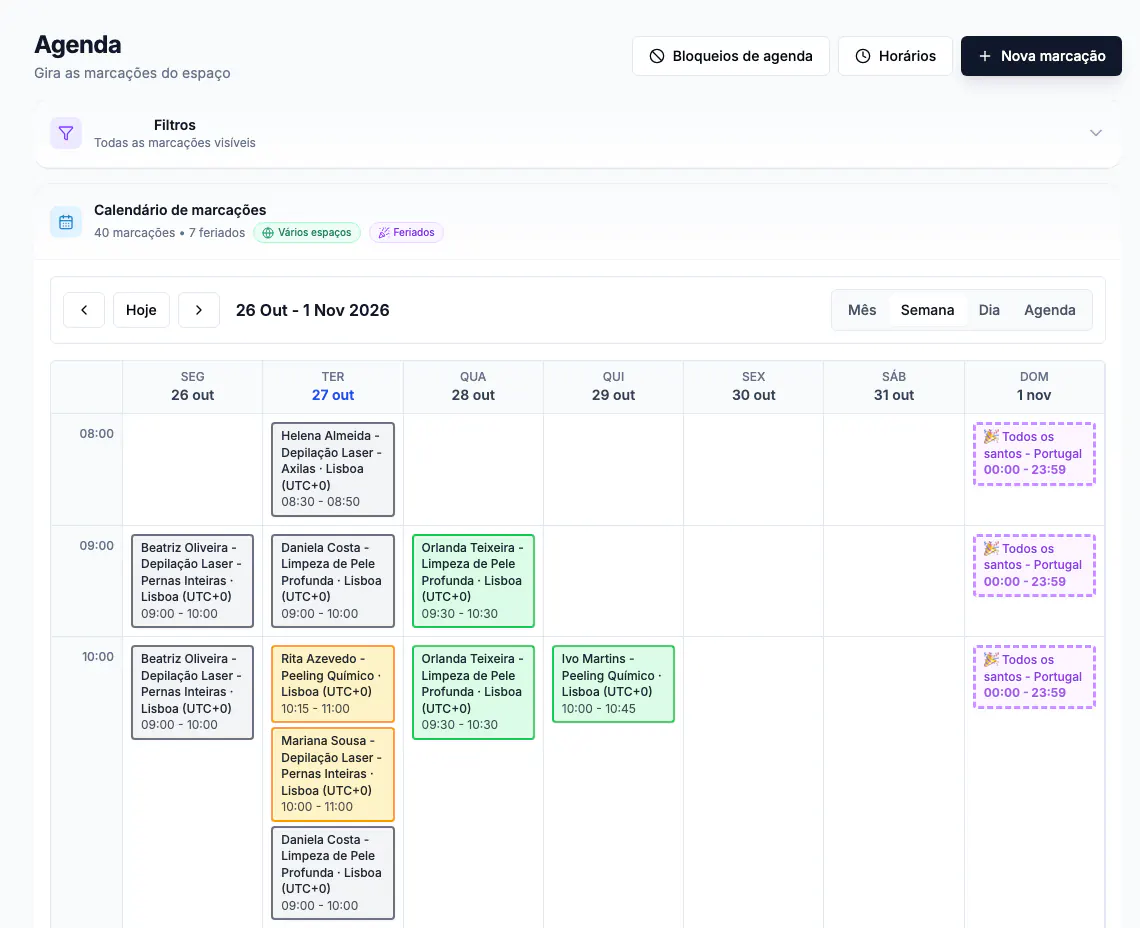
Agenda (calendar) shows appointments and helps you follow your business's availability.
Use the controls next to the calendar to move between dates and choose month, week, day or list views. Open Filtros (filters) to narrow what you see, for example by professional or status, when those options are available.
Select an appointment to see details and actions. Use Nova marcação (new appointment) to create one, Horários (working hours) to review availability and Bloqueios de agenda (calendar blocks) to manage unavailable periods, subject to access.