Add and manage clients
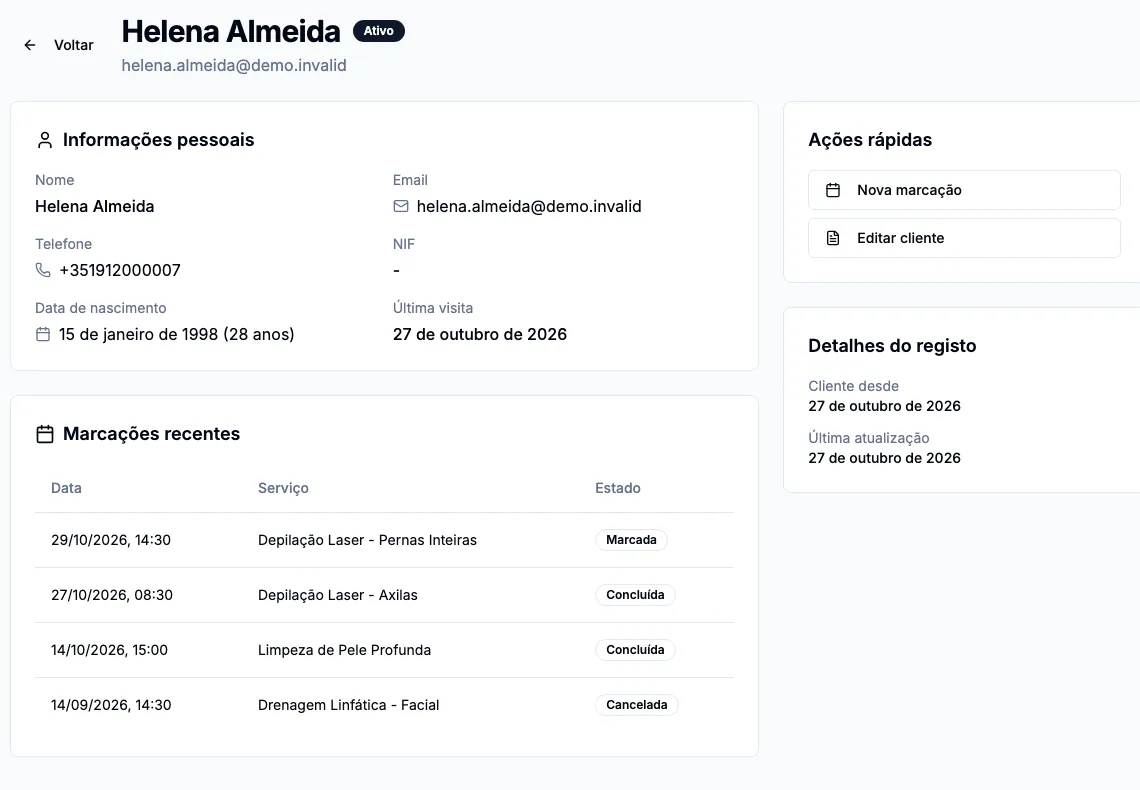
Clientes (clients) holds your client records and lets you find, edit and inspect each person.
Add a client
- Open Clientes and select Novo cliente (new client).
- Enter Nome completo (full name) and Telefone (phone), including the country code. Both are required.
- Add an email if available. Email is optional when creating the record, but is needed to invite the person to the client portal.
- If the person requests tax details on an invoice, select Quero NIF na fatura and complete the requested fields.
- Select Criar cliente (create client) and check that the record appears in the list.
If you do not enter an email, the list may show a temporary address ending in .invalid. It cannot receive messages: edit the client and add a real email before inviting them to the portal.
Find or change a record
Search by name, email or tax number. Use Ver detalhes (view details) to open the record or Editar cliente (edit client) to update it. Deactivation and deletion depend on permissions and should be used carefully.